The Most Elegant Way to
Experience Markdown
Markdown Prism is a fast, lightweight macOS-native Markdown viewer and editor. Built for developers and writers, with full support for GFM, LaTeX, and Mermaid.
Powerful Features for Productivity
Markdown Prism provides all the tools you need without getting in your way.
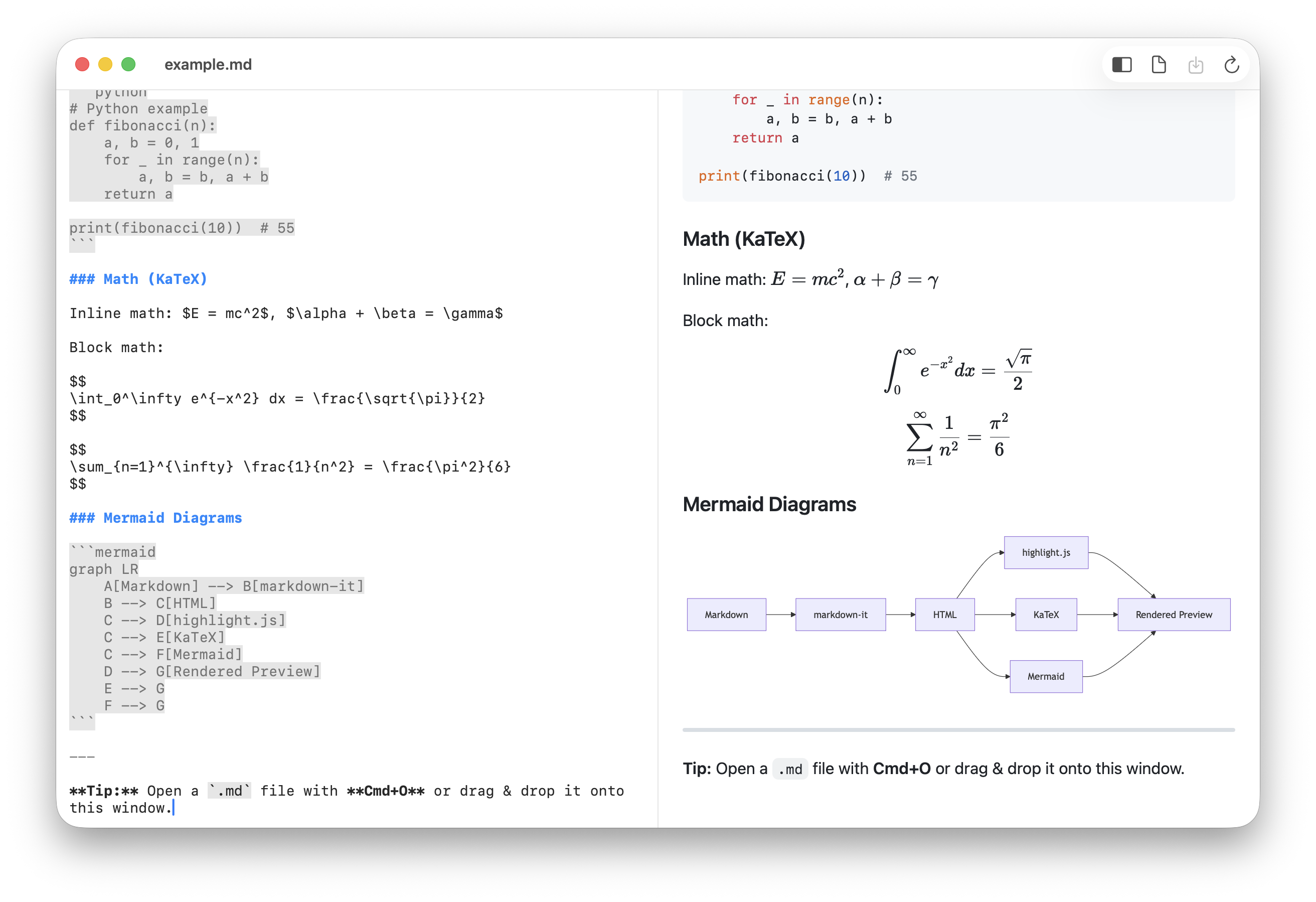
Live Preview
See your changes instantly with a side-by-side preview. 400ms debouncing ensures a smooth editing experience.
Rich Rendering
High-quality math rendering via KaTeX and complex diagrams/flowcharts with Mermaid.js.
Syntax Highlighting
Built-in highlight.js supporting 180+ languages to make your code blocks look beautiful.
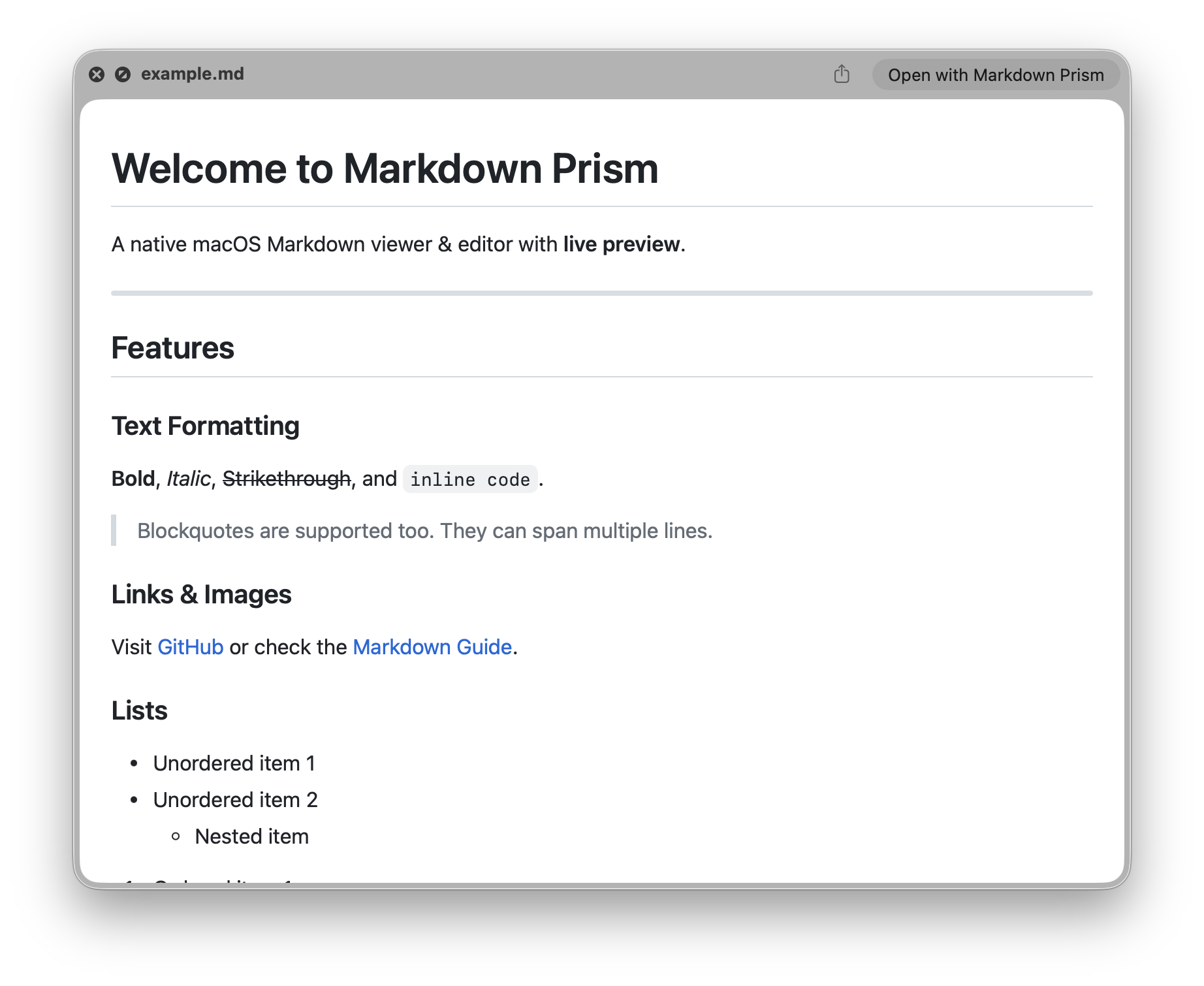
QuickLook Support
Preview Markdown files instantly in Finder by pressing the spacebar, without opening the app.
Offline Support
All essential libraries are bundled within the app. Works perfectly without an internet connection.
File Watching
Automatically detects external changes and refreshes the content in real-time.
Powerful Native Editor
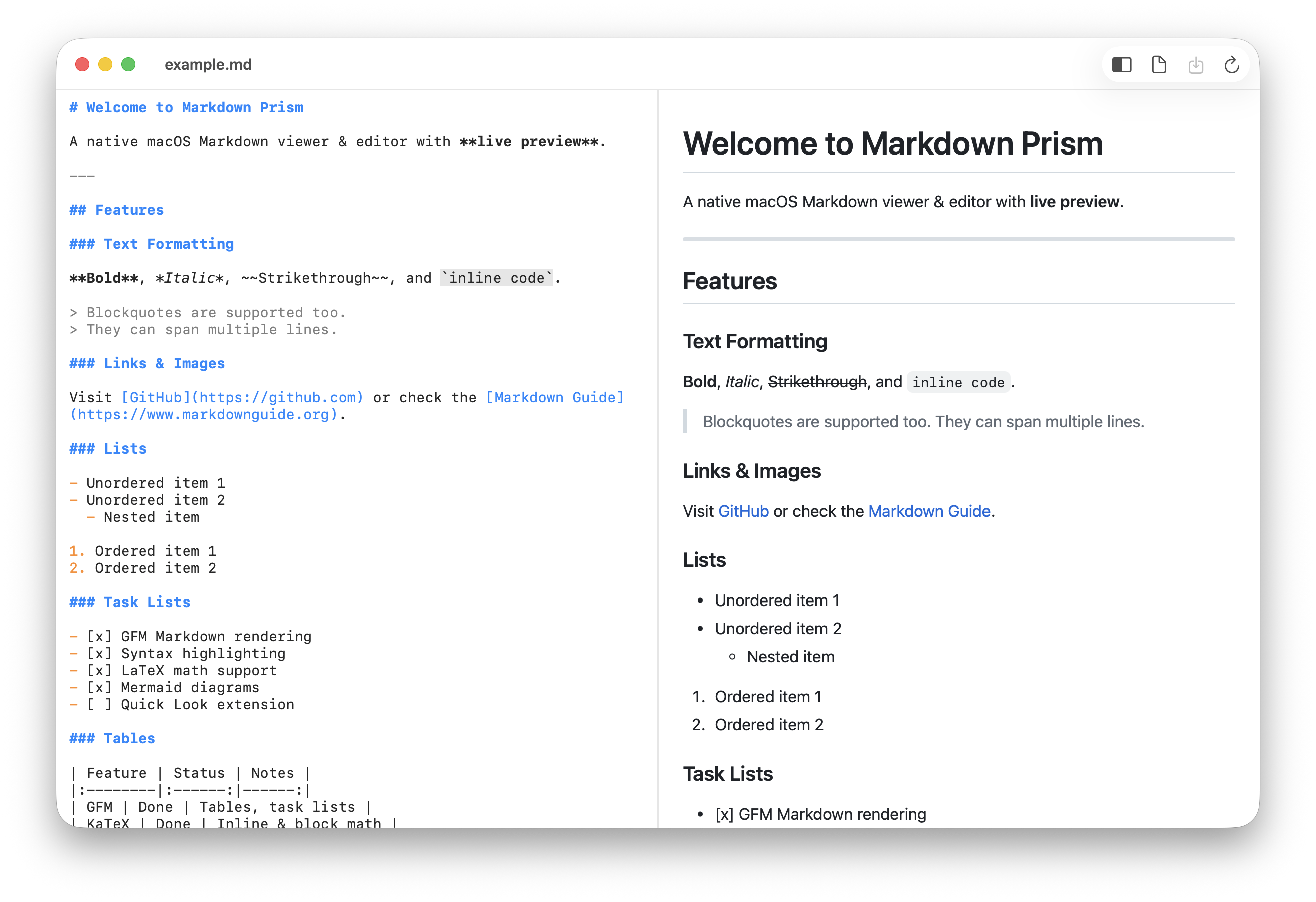
Beyond a simple viewer. Leverages the native macOS text engine for smooth typing, featuring Markdown syntax highlighting for better readability.
- Smooth scrolling & typing
- Auto-save & Versioning
- Dark/Light mode support
- Standard shortcuts (Cmd+S, Cmd+O, Cmd+N)
From Math to Diagrams
Working on academic papers or technical docs? Markdown Prism meets the most demanding requirements.
- Full GFM support
- Inline & Block math ($E=mc^2$)
- Flowchart, Gantt, Sequence diagrams
- Perfect Dark Mode support
Installation
Choose whichever method you prefer.
Install via Homebrew
One command in your terminal.
brew install hulryung/tap/markdown-prism
Note: If you see an "Unidentified Developer" message, please allow it in System Settings > Privacy & Security.
Get Started Now
Markdown Prism is completely free and open source.